
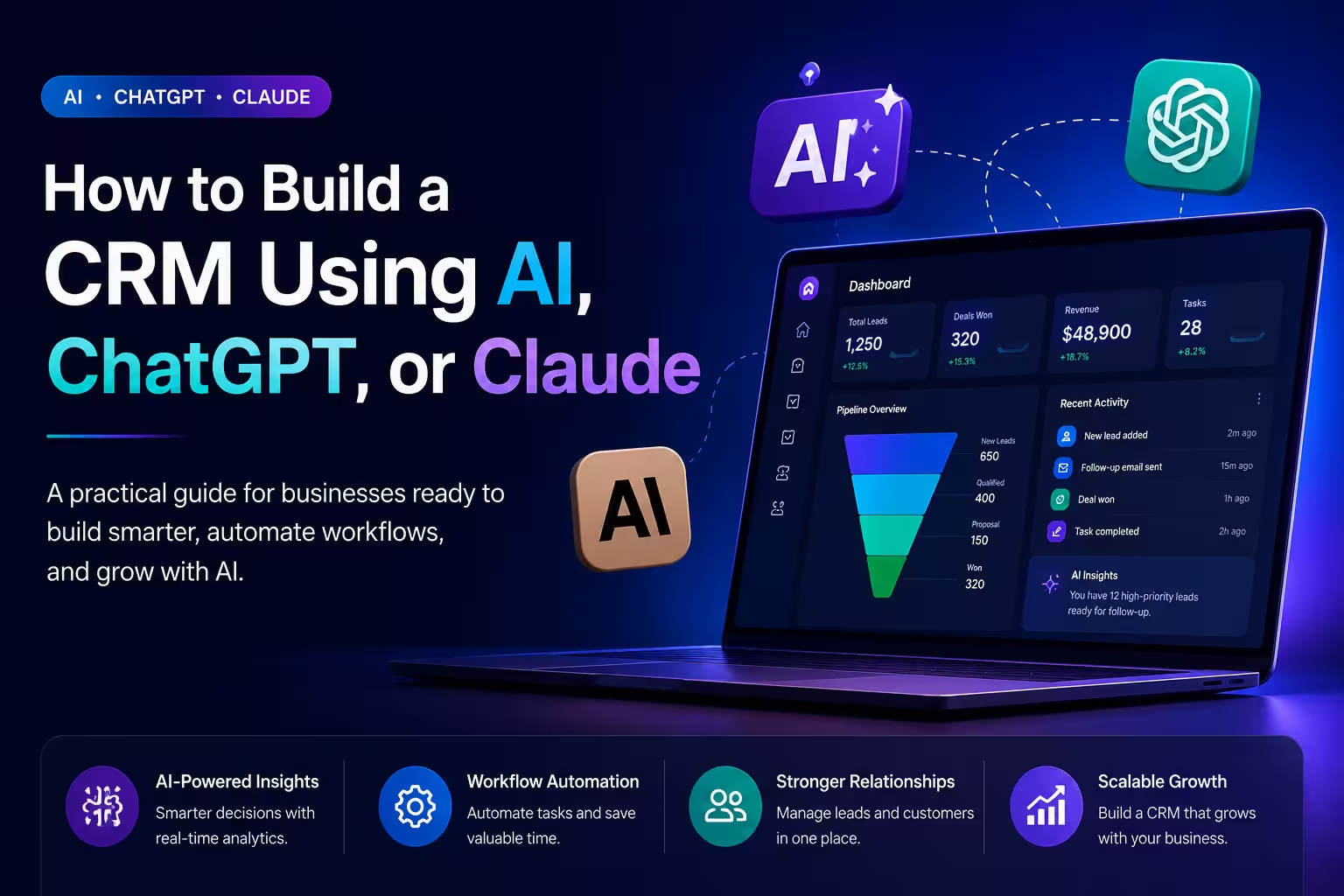
How to Build a CRM Using AI, ChatGPT, or Claude
For years, building a CRM meant one of two things buying a subscription to an off-the-shelf platform and hoping it fits, or hiring a development team and spending months getting something custom built. AI has quietly changed both of those options. Today, tools like ChatGPT and Claude are being used to plan, design, write code for, and even operate CRM systems in ways that were not practical two or three years ago. This does not mean you can ask an AI to "build me a CRM" and walk away. But it does mean that businesses with the right approach can move significantly faster, spend less, and end up with something that actually fits how they work. This guide walks through how that actually happens practically, honestly, and without overpromising what AI can and cannot do.
What Role Does AI Play in Building a CRM?
Before getting into the how, it helps to be clear about what AI is actually doing in this process. AI tools like ChatGPT and Claude are not development platforms. They do not host your data, run your database, or deploy your application. What they do is help you think, plan, write, and build faster. Think of them as a highly capable collaborator who can help you map out your requirements, write database schemas, generate backend and frontend code, create automation logic, draft documentation, and debug problems as they come up. The actual CRM still needs infrastructure a database, a server, a frontend but AI dramatically accelerates the work of getting there. For non-technical business owners, AI can also translate business requirements into something a developer can act on immediately, saving weeks of back-and-forth during the planning phase.
Step 1 — Define What Your CRM Actually Needs to Do
This step has nothing to do with AI, and it is the most important one. Before you open ChatGPT or Claude, sit down and answer these questions honestly: Who will use this CRM and what do they need to do every day? What does your sales process actually look like from first contact to closed deal? What data do you need to track leads, contacts, deals, tasks, support tickets? What tools does it need to connect with WhatsApp, email, accounting software, your website? What does your team currently do manually that you want the CRM to handle automatically? Write this down in plain language. Do not worry about technical terminology. The clearer your answers are, the more useful AI becomes in the next steps. Vague input produces vague output that is as true with AI as it is with any developer you would hire.
Step 2 — Use AI to Plan Your CRM Architecture
Once you know what you need, bring that into ChatGPT or Claude and use it to build your plan.
A prompt like this works well:
"I am building a CRM for a B2B sales team of 12 people. We need to manage leads, contacts, and deals through a five-stage pipeline. We want automatic follow-up reminders, WhatsApp message logging, and a dashboard showing monthly revenue by sales rep. Can you help me design the database structure and list the core modules we need to build?" A good AI response will give you a database schema with tables and relationships, a list of modules with their core functions, suggested technology stack options with pros and cons, and an outline of the integrations you will need to build. This alone saves days of planning work and gives you something concrete to review, refine, and hand to a developer if you are working with one.
Step 3 — Choose Your Tech Stack
AI can help you make this decision based on your specific situation. The right stack depends on your team's existing skills, your hosting preferences, your budget, and how complex the system needs to be. For most small to mid-sized CRM builds in 2026, a practical stack looks like this:
Backend — Node.js or Python (Django or FastAPI) handle CRM logic well. Both have strong AI library supportcontacts, deals, relationships, activity logs reliably at scale.
Frontend — React or Vue for a responsive, fast interface that works on desktop and mobile without building two separate things.
Hosting — AWS, Google Cloud, or a simpler option like Railway or Render depending on your scale and technical comfort.
AI Integration — OpenAI API for ChatGPT features, Anthropic API for Claude features, or both depending on what you are building into the CRM itself.
Ask Claude or ChatGPT to compare options based on your specific constraints. You will get a clearer recommendation than most generic articles provide.
Step 4 — Generate Your Database Schema
This is one of the most practical places AI saves real time. Give the AI your requirements and ask it to write the database schema. For a basic CRM it might look something like this, and the AI will generate the actual SQL or ORM code: Contacts table storing name, company, email, phone, source, assigned rep, and creation date. Deals table linking to contacts with fields for deal value, stage, expected close date, and notes. Activities table logging calls, emails, WhatsApp messages, and meetings against contacts and deals. Tasks table for follow-ups and reminders with due dates and assignment. Users table for your team with roles and permissions. The AI will also suggest indexes for performance, foreign key relationships, and flag things you may have missed like needing a companies table separate from contacts if you work with multiple people at the same organization.
Step 5 — Build the Core Modules with AI Assistance
This is where ChatGPT and Claude become genuinely powerful for anyone building a CRM. You do not need to write every line of code from scratch. You write the requirements, and the AI writes the first version. You review, test, and refine. It is significantly faster than starting from a blank file.
Contact and Lead Management
Ask the AI to generate the API endpoints for creating, reading, updating, and deleting contacts. Ask it to add filtering by assigned rep, lead source, and status. Ask it to write the frontend component that displays a contact record with all linked deals and activity history.
Sales Pipeline
Describe your pipeline stages and ask the AI to build a Kanban-style board where deals move between stages by drag and drop, with stage change events logged automatically to the activity feed.
Automation Rules
This is where AI earns its place most clearly. Describe the automation you want in plain language "when a deal has had no activity for seven days, send the assigned rep a reminder and flag the deal as at risk" — and ask the AI to write the logic. It will generate the background job, the condition checks, and the notification trigger.
Reporting Dashboard
Describe the metrics you need — monthly revenue by rep, lead conversion rate by source, average deal close time and ask the AI to write the queries and the dashboard components that display them.
Step 6 — Integrate AI Features Into the CRM Itself
This is what separates a CRM built in 2026 from one built five years ago. Once the core system is working, you can embed AI capabilities that make it genuinely intelligent. AI-Written Follow-Up Emails — When a sales rep opens a deal, the CRM can use the deal history, the contact profile, and the last interaction to draft a suggested follow-up email. The rep reviews and sends. Claude and ChatGPT both handle this well via API. Lead Scoring — Feed your historical conversion data into a prompt and ask the AI to score incoming leads based on industry, company size, source, and engagement. Over time this becomes one of the most valuable features in the system. Sentiment Analysis on Support Tickets — If your CRM includes a support module, AI can read incoming tickets and flag ones with negative sentiment for priority handling — before a frustrated customer becomes a lost one. Meeting Summaries — Integrate with your calendar and meeting tools and use AI to summarize calls, extract action items, and log them directly to the contact or deal record. Natural Language Queries — Let users ask the CRM questions in plain English. "Show me all deals over $10,000 that have not been updated in two weeks" becomes a real query without anyone needing to know SQL.
Step 7 — Connect Your Integrations
A CRM that lives in isolation from the rest of your tools is a CRM your team will work around. Use AI to write the integration code for the platforms that matter most to your business. WhatsApp Business API — Every message sent or received gets logged automatically against the contact. Sales and support teams work from the CRM without switching apps. Gmail and Outlook — Emails sync automatically. No manual logging. Every thread is attached to the right contact. Accounting Software — Invoice status, payment history, and outstanding amounts visible directly in the deal record. Your sales team knows who has paid without asking accounts. Your Website — Form submissions create leads in the CRM automatically, assigned to the right rep based on your rules. Ask the AI to write the webhook handlers, OAuth flows, and sync logic for each integration. It will not always be perfect on the first pass, but it gives you a working foundation to build from.
Step 8 — Test Thoroughly Before You Go Live
AI can help here too. Ask it to generate test cases for every module, write automated tests for your API endpoints, and review your code for common security vulnerabilities like SQL injection, insecure authentication, and exposed API keys. Do not skip user testing. Give the actual people who will use the CRM access to a staging environment for a week before launch. The issues they find will be different from the ones your tests find and they will find them.
What AI Cannot Do in This Process
Being honest about limitations matters. AI will generate code that contains bugs. It does not know your specific business context unless you provide it. It can produce plausible-sounding architecture decisions that are wrong for your situation. It does not replace the judgment of an experienced developer when it comes to security, scalability, and production reliability. The businesses that get the best results from AI in CRM development use it to accelerate and assist not to replace thinking or professional expertise entirely. If your CRM will hold sensitive customer data, process payments, or operate at significant scale, involve experienced developers in the architecture and security decisions even if AI is doing much of the implementation work.
How Long Does This Actually Take?
A basic CRM with contact management, a sales pipeline, task automation, and email integration can realistically be built with AI assistance in four to eight weeks by a small development team. Without AI, the same scope typically takes three to four months. A more complete system with WhatsApp integration, reporting dashboards, AI features, and mobile access is a three to six month project even with AI accelerating the work. The timeline depends heavily on how clearly you defined requirements in Step 1. Teams that invest time upfront in clarity consistently deliver faster than teams that try to figure it out as they build.
Should You Build or Buy?
This question comes up every time. The honest answer in 2026 is that AI has shifted the economics meaningfully. Building used to be significantly more expensive and time-consuming than buying. That gap has narrowed. If your requirements are standard, a good off-the-shelf CRM still makes sense. But if you need specific integrations, own your data outright, avoid per-seat pricing at scale, or build AI features tailored to your business building with AI assistance is now a genuinely competitive option that it was not a few years ago.
How Webcore Solutions Can Help
At Webcore Solutions, we help businesses build custom CRM systems using modern AI-assisted development moving faster without cutting corners on quality, security, or scalability. Whether you have a clear brief ready or are still figuring out what you actually need, we can help you go from requirements to a working system built around how your business operates. Visit webcoreuae.com to start the conversation.
Ready to build?
Let's turn the idea into something shipped.