
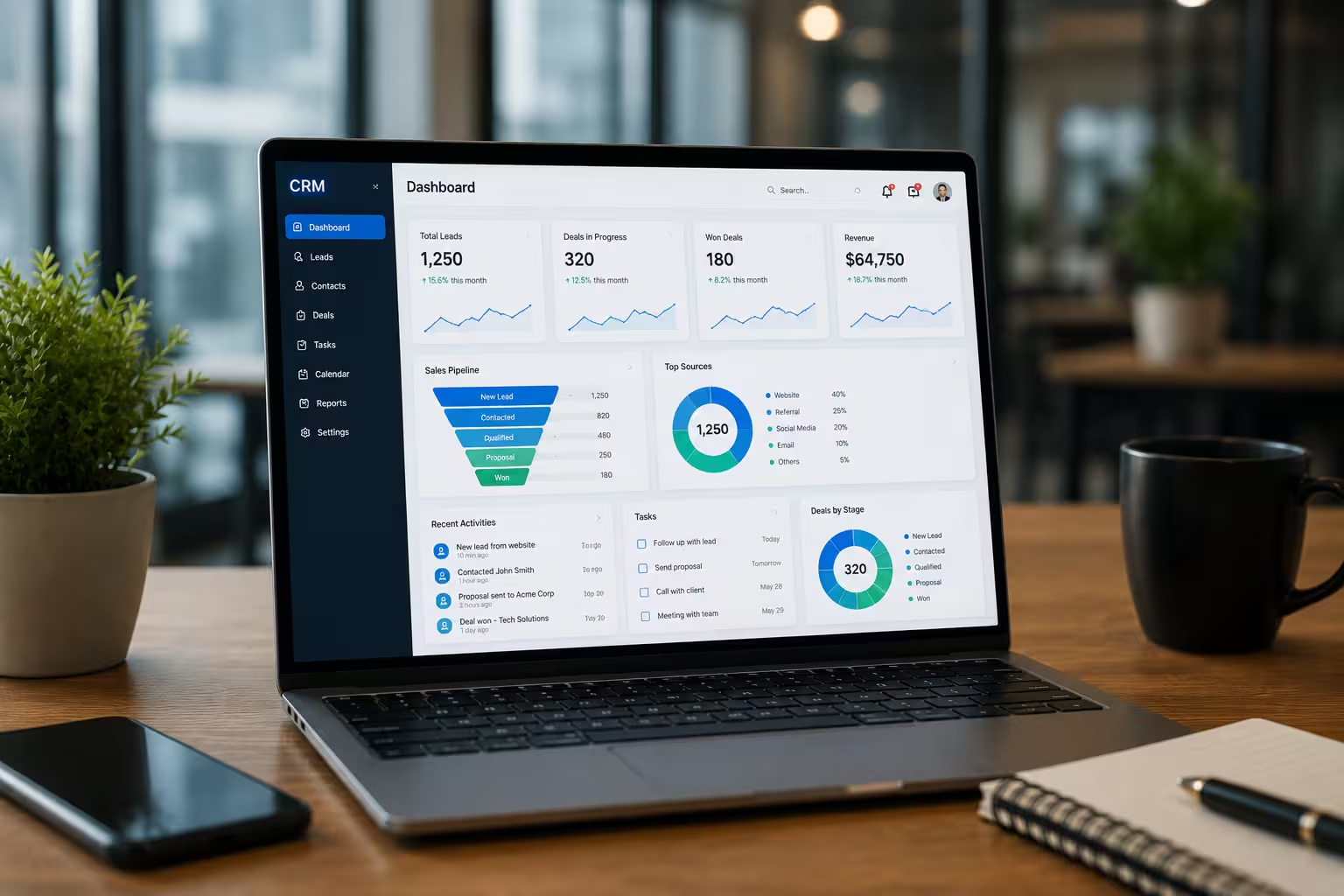
Custom CRM Development: A Practical Guide for Businesses in 2026
Most businesses outgrow their CRM before they realize it. What started as a helpful tool becomes a bottleneck — too rigid, too expensive, or simply not built for how your team actually works. This guide covers what custom CRM development really involves, whether it makes sense for your business, and what to look for if you decide to move forward.
What is Custom CRM Development?
A custom CRM is software built specifically for your business not a platform you subscribe to and configure around your processes. Instead of adapting to Salesforce, HubSpot, or Zoho, you get a system designed around your actual sales pipeline, team structure, customer journey, and integrations. Every feature exists because your business needs it. Nothing is there just to fill a pricing tier.
Do You Actually Need a Custom CRM?
Not every business does and that is an honest answer. If you are a small team with a straightforward sales process, an off-the-shelf tool might serve you well. But if you find yourself constantly working around your CRM, paying for features you never use, or managing critical data outside the system entirely that is a signal worth paying attention to. Custom development makes the most sense when your workflow does not fit standard templates, you need deep integration with existing systems like ERP or WhatsApp, your team is growing and per-seat licensing is becoming expensive, you handle sensitive data and need full control over where it lives, or you want to own the software long-term rather than rent it indefinitely.
Custom CRM vs Off-the-Shelf: The Honest Comparison
Off-the-shelf platforms like Salesforce, HubSpot, and Zoho serve a real purpose especially for businesses in early stages with standard workflows. But they come with trade-offs that grow more painful as your business scales. With a ready-made CRM, you adapt to their structure. Features you never use take up space. Pricing tiers limit your team size. Integrations are restricted to what the vendor supports. Your data lives on their platform under their policies. A custom CRM flips that. Higher upfront investment, yes but you own the software, control the data, integrate with anything you need, and pay no recurring per-seat fees. For most growing businesses, the long-term economics work strongly in favour of building.
Key Features Worth Building Into a Modern CRM
Not every CRM needs every feature. But these are worth serious consideration depending on your business. Lead and Contact Management gives you a single, clean record for every prospect and customer full history, no duplicates, no gaps between teams. Sales Pipeline Visibility shows in real time where every deal stands, what is moving, and what has gone cold without waiting for a weekly report. Workflow Automation handles follow-up reminders, lead assignment, and status updates automatically. Less manual work, fewer missed opportunities. WhatsApp and Email Integration matters because in most markets, WhatsApp is where business actually happens. Your CRM should log those conversations automatically alongside emails. Reporting That Helps goes beyond activity tracking. It tells you where revenue is coming from, where it is leaking, and what your team should focus on next. Role-Based Access ensures the right people see the right data and sensitive information stays protected without complicated manual management. Mobile Access is non-negotiable for field teams and remote staff. A CRM that only works well on a desktop will be ignored everywhere else. AI-Powered Features like lead scoring, sentiment analysis, and sales forecasting are no longer reserved for enterprise budgets. Mid-sized businesses are using them practically in 2026.
How the Development Process Works
A well-run CRM project follows a clear sequence. Shortcuts here are where projects go wrong. Discovery comes first — understanding your business before writing a single line of code. This is the most important phase and consistently the most underestimated. Skipping it produces software that technically works but that nobody uses. Planning locks in feature priorities, integration requirements, technology decisions, and a realistic timeline before anything is built. Design matters more than most people expect. A CRM that is hard to use will not be used. Good interface design is not cosmetic it directly drives adoption. Development builds the backend logic, frontend interface, automation rules, and APIs in stages rather than all at once. Integration connects the CRM to your existing tools email, WhatsApp, ERP, accounting software, payment gateways so data flows without manual effort. Testing covers functionality, performance under load, and security before anything goes live. Deployment and Migration moves your existing data into the new system. This step takes more time than most businesses expect and deserves proper planning. Ongoing Support keeps the system healthy. A launch is a beginning, not a finish line.
How AI is Changing CRM in 2026
AI in CRM has moved well past the hype stage. Businesses are using it practically and seeing real results. Lead scoring that learns from your actual conversion data replaces static rules that someone set up years ago and never revisited. Sentiment analysis on support tickets and emails flags unhappy customers before they churn. Sales forecasting accounts for seasonality, rep performance, and deal history rather than just adding up pipeline numbers. Automated follow-up sequences time outreach based on customer behavior rather than a generic schedule. Perhaps most practicall natural language queries let your team ask the CRM a plain English question and get a real answer, without needing a data analyst to pull a report. These are not experimental features. They are available now, and mid-sized businesses that are not using them are falling behind those that are.
Mistakes That Derail CRM Projects
Most CRM implementations that fail do so for avoidable reasons. Building before understanding the problem is the most common. Discovery is not a formality it is the work that makes everything else possible. Getting users involved only after the system is built is the second most common failure. The people who will use it daily need to shape it from the start, not adapt to decisions made without them. Automating too early before processes are stable creates compounding errors that are painful to untangle. Ignoring mobile means field teams will find workarounds and your data will suffer. Treating launch as the end means the system slowly becomes irrelevant as the business evolves around it. Choosing the wrong development partner causes all of the above. Technical skill matters, but so does genuine understanding of your business context.
What Does It Cost?
The honest answer is that it depends on what you are building. A focused CRM for a small sales team costs significantly less than a multi-module enterprise system with AI features, complex integrations, and high-availability infrastructure. What drives the cost is the number of features, integration complexity, mobile app requirements, AI capabilities, data migration scope, and ongoing support needs. The better question is not what does it cost it is what does it cost to keep using a system that does not work. Recurring SaaS fees, per-seat pricing, and the productivity loss of teams working around broken tools add up faster than most businesses track.
How to Choose the Right Development Partner
Look beyond the portfolio and the price quote. The right partner asks more questions than they answer in early conversations. They have experience building systems in your industry or a closely related one. They explain their approach to data security without being prompted. They offer post-launch support with real service levels, not vague availability. And they design for how your business will look in three years, not just today.
Where CRM is Heading
A few directions worth watching as you plan ahead. AI agents are beginning to handle entire sales tasks autonomously qualification, scheduling, follow-up, and record updates with minimal human involvement. Voice interaction is gaining traction, letting teams update records and query pipeline data by speaking rather than typing. No-code extensions are giving business users the ability to modify CRM workflows without waiting for a developer every time something needs to change. The businesses investing in these capabilities now will have a meaningful operational advantage within the next two to three years.
How Webcore Solutions Approaches CRM Development
At Webcore Solutions, we build CRM systems that fit the way businesses actually operate not the other way around. Our work covers custom CRM development, CRM modernization, third-party integrations, AI-powered features, and ongoing support. We work with business owners, operations managers, and leadership teams who want a system they own and control, built to grow with them. If you are evaluating whether a custom CRM makes sense for your business, we are happy to have that conversation without the sales pitch. Visit webcoreuae.com or get in touch directly. Key Takeaways Custom CRM development is not for every business but for the right business, it is a serious competitive advantage. The upfront investment is higher than off-the-shelf, but long-term cost and control are significantly better. AI features are no longer out of reach for mid-sized businesses. Most failed CRM projects fail for process reasons, not technical ones. The development partner you choose matters as much as the features you build.
Ready to build?
Let's turn the idea into something shipped.